How To Accept
EBT Payments
Step-by-Step Guide
How to Accept EBT Payments
and Become a SNAP Retailer
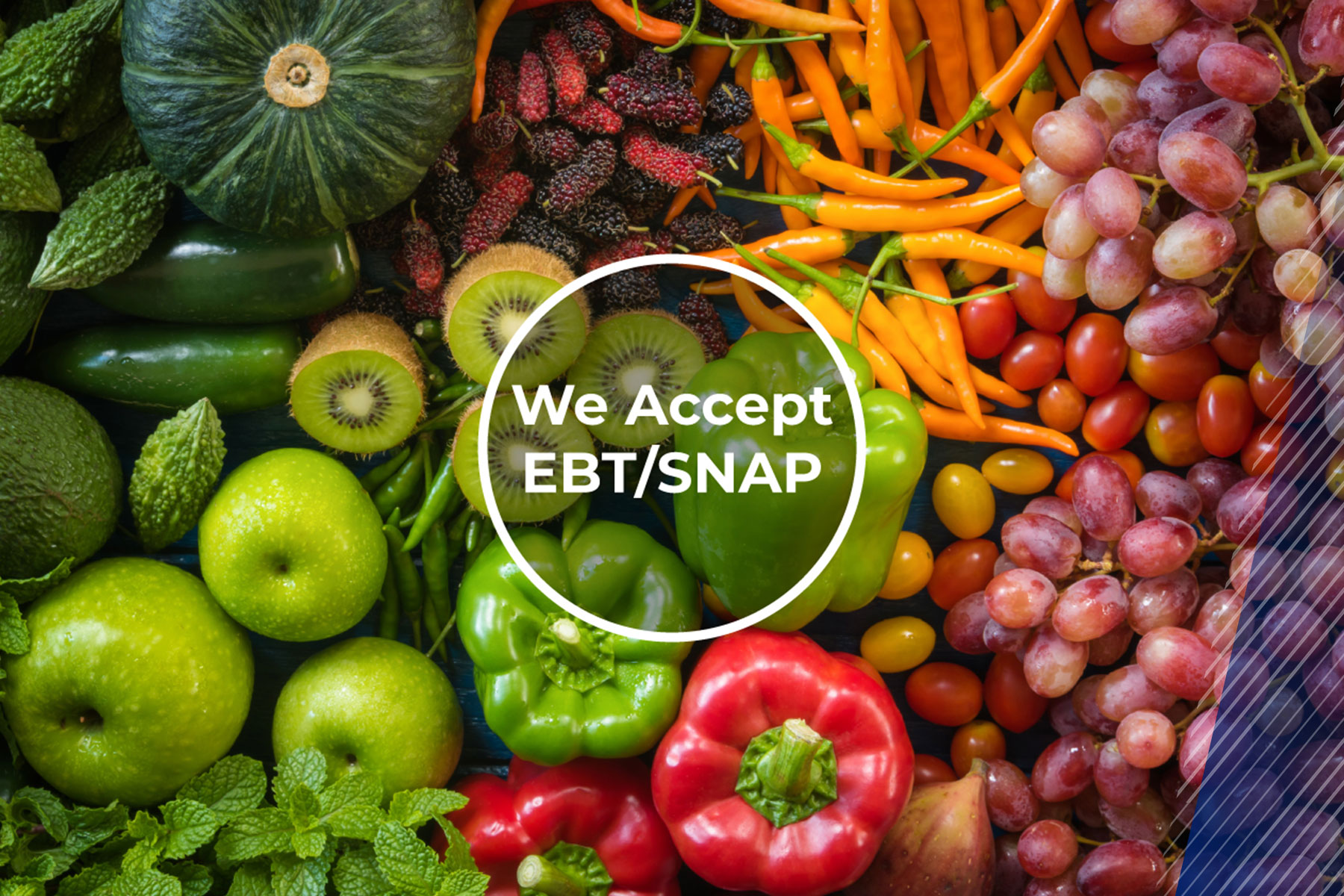
To accept EBT/SNAP payments, apply online through Food and Nutrition Services (FNS) and wait for authorization. Once approved, choose an authorized third-party processor to start accepting EBT payments. Accepting SNAP benefits can boost your revenue.
Follow this guide to become a SNAP retailer
and start accepting SNAP benefits!
Step 1
Create a Login.gov Account
This gives you access to the online application.
You must have a valid email address. When you are approved, your approval and FNS number will be sent to this email address.
Step 2
Gather All the Information
and Documentation You Need

Name, Home Addresses, & SSNs
Gather information for ALL owners/partners/officers/ members of the business.

Estimated or Actual Sales
List for EACH category of items in your store (including tobacco, lottery, alcohol, etc.)

Details About the Products in Your Store
Include categories, variety, and stocking levels of food items.

Banking Information
Locate for the account where you want your SNAP deposits to go.

EBT Processor Contact Information
Once you have your FNS number, contact goEBT at 800.277.5165 for your EBT processing equipment.
goEBT
800.277.5165
1200 Williams Dr. Ste. 1210,
Marietta, GA 30066
www.goEBT.com
Step 3
Click “Sign In” to Complete
Your Application
You have up to 30 days to complete the application, so you can stop & return to the application as much as you need to.
Step 4
Check the Status
of Your Application
While you’re waiting to receive your approval email and FNS number, you can check the status of your application.
Step 5
Choose your Equipment and Get Started
Start accepting SNAP payments with simple, unlimited EBT processing from goEBT. You may be able to get started with cash only benefits while you wait for your application to be approved.
Call goEBT at 855.826.0920 or complete this form to determine if you are eligible for cash only benefits right now or to learn more about goEBT’s reliable, unlimited EBT processing service.
Step 6
Train Staff on Rules and Eligible Items
SNAP-authorized retailers are responsible for complying with all purchase restrictions and ensuring that every employee receives required training. By educating staff on eligible items and keeping POS systems updated to block restricted products, retailers can meet these expectations and maintain compliance with ease.
Contact goEBT by CDE at 855.826.0920 or click on the button below to learn more about our POS systems or services.